
Blog
Updates on new features and changes in Fresh.
 Subscribe via RSS
 I hate packaging my software for Linux
Nineteen distribution channels later: what it actually costs to give a terminal editor away for free on Linux, and why the next step is a static musl binary that updates itself.
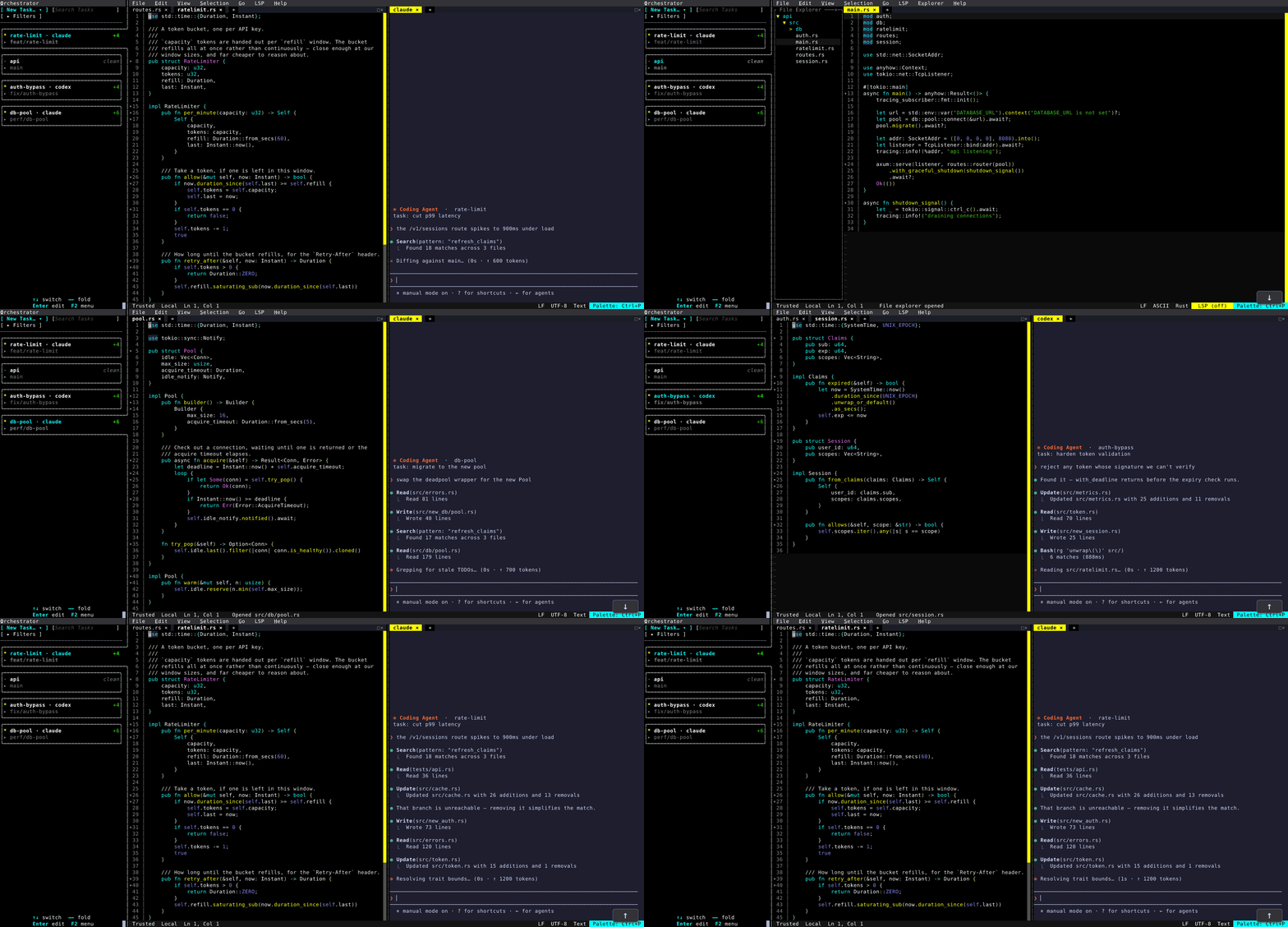
One Editor, Every Worktree
A git worktree per task, a coding agent per worktree, one editor process: switching between parallel agent sessions from the Orchestrator dock.

The Architecture of Fresh
A deep dive into the memory-efficient design behind Fresh: piece tree storage, interval trees for markers, and the rendering pipeline.
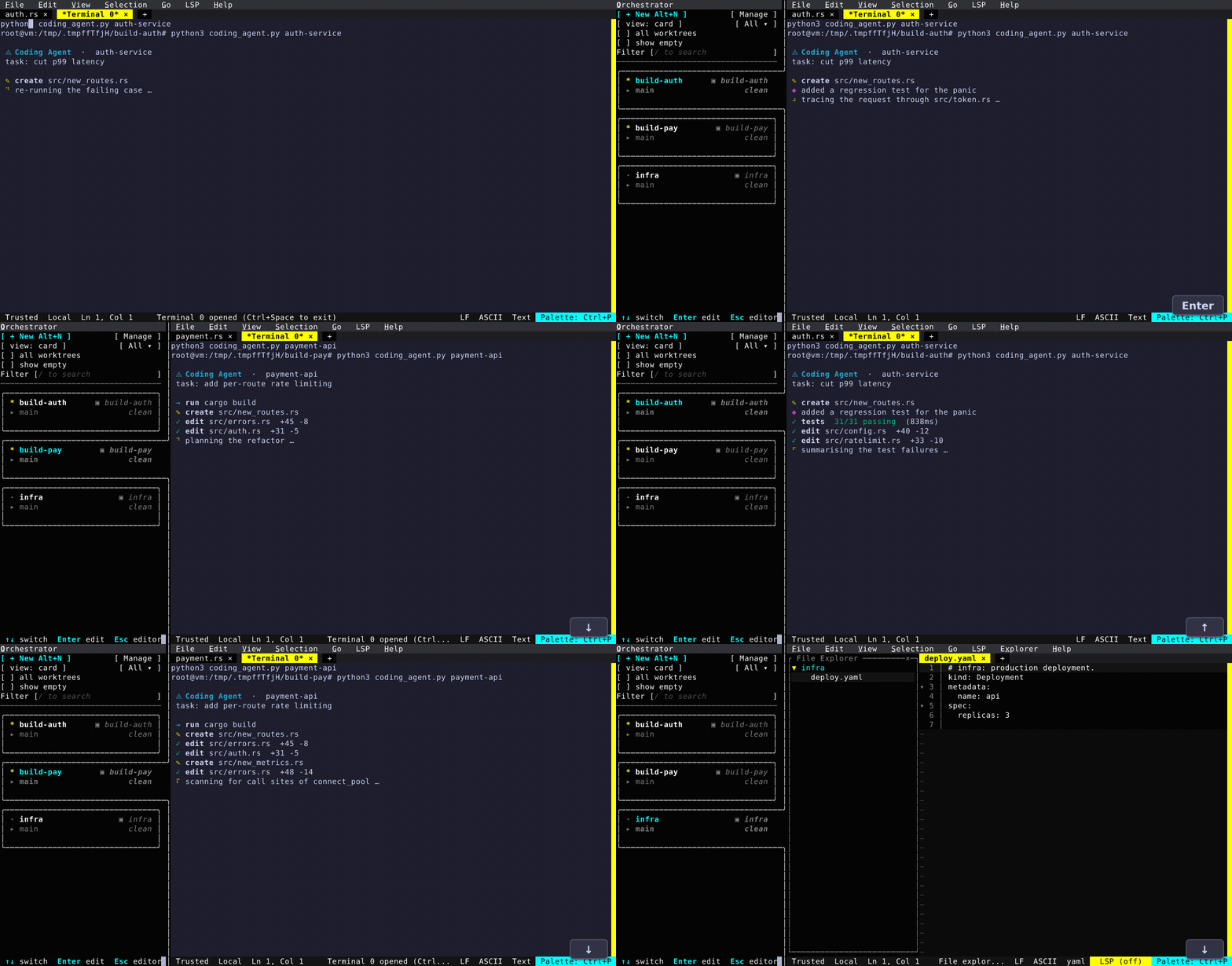
What's New (0.4.0)
The multi-window Orchestrator and dock, remote workspaces (SSH / Kubernetes) from the UI, universal search across files/buffers/terminals, a reimagined review diff, live diff, terminal path links, and unified workspace trust.
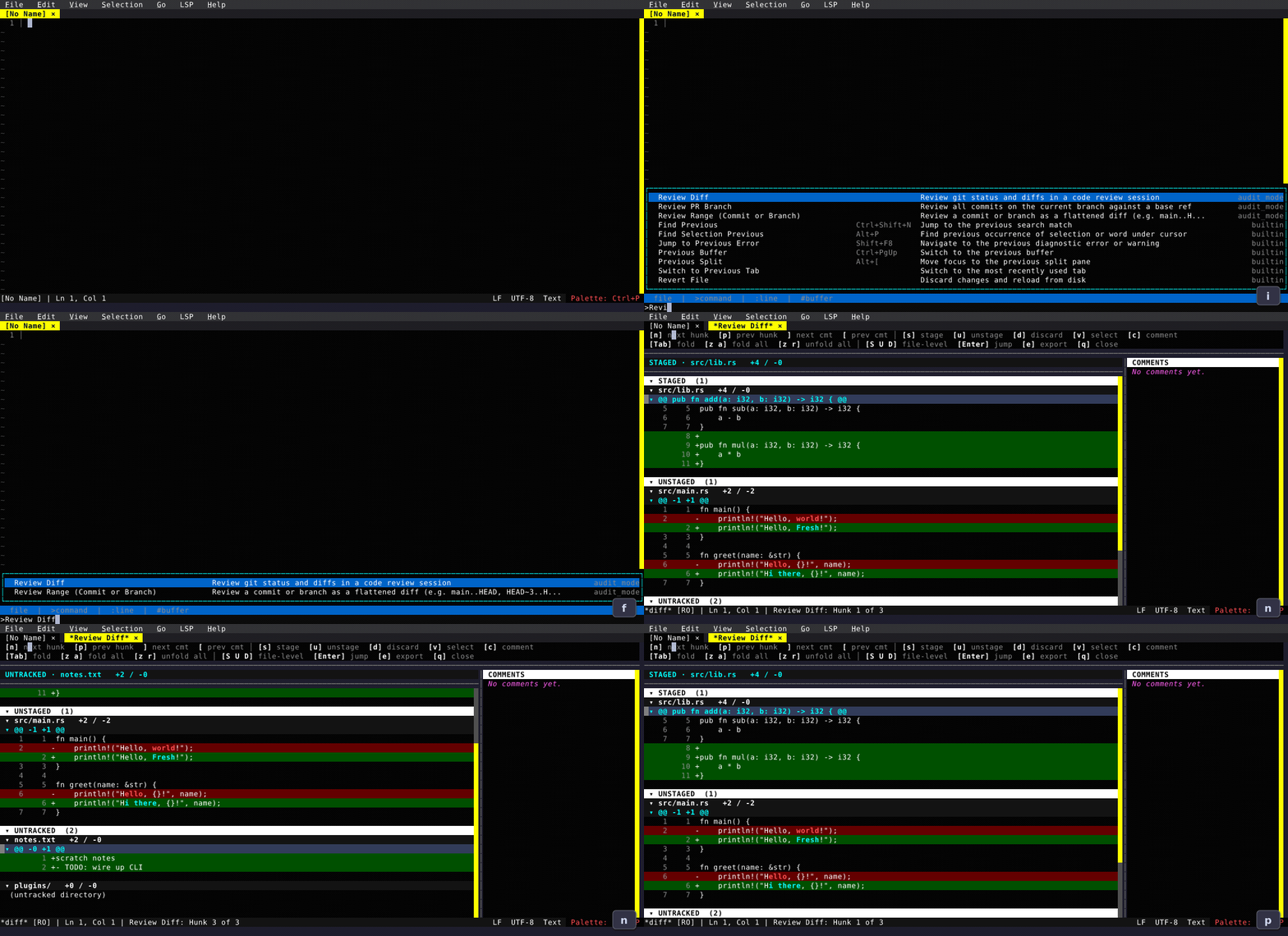
What's New (0.3.0)
Startup script (init.ts), dashboard, devcontainers, review diff rewrite, git log, preview tabs, customizable status bar, and more.
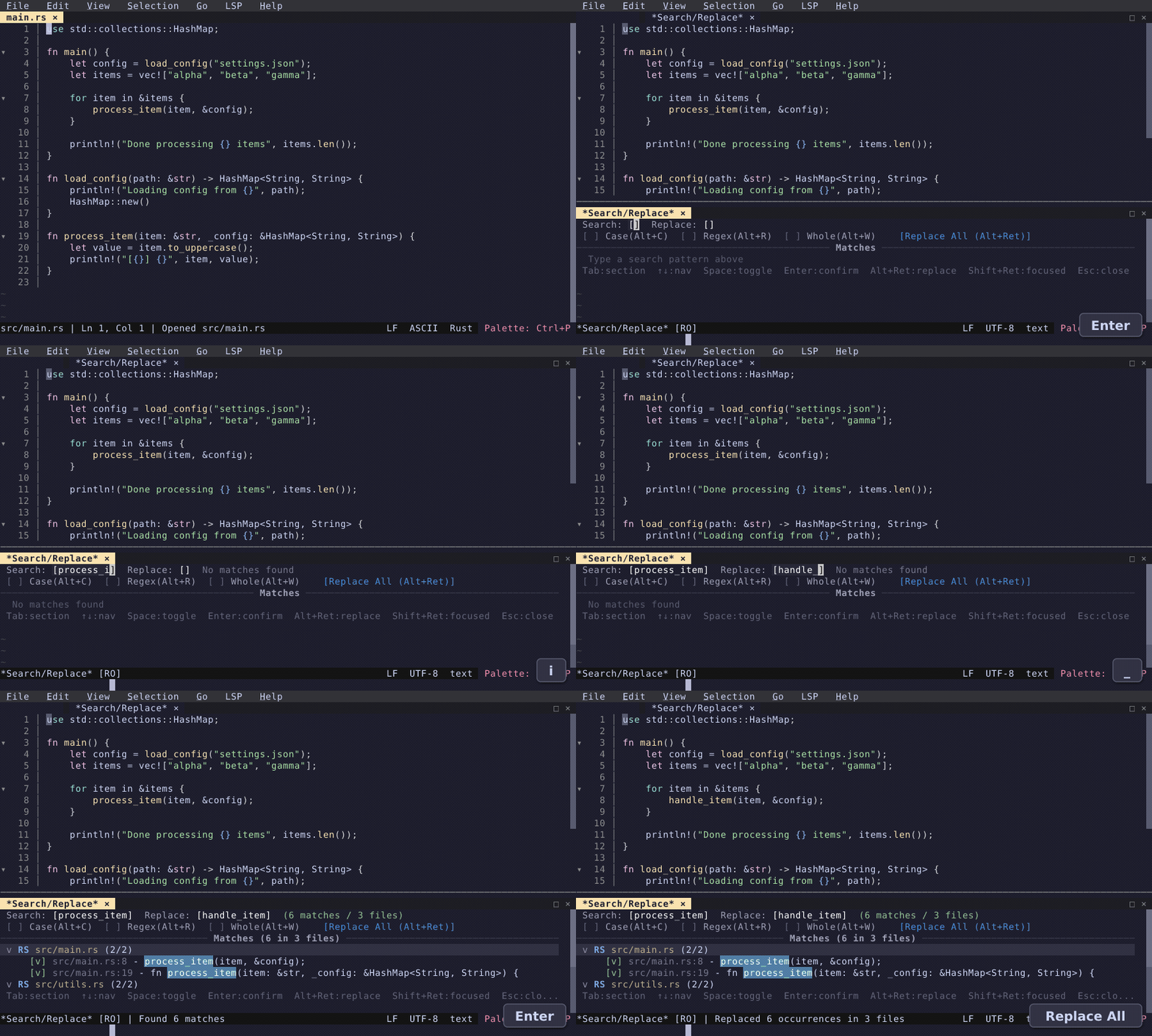
What's New (0.2.18)
Project-wide search & replace, inline diagnostics, surround selection, 30 new syntax grammars, and more.
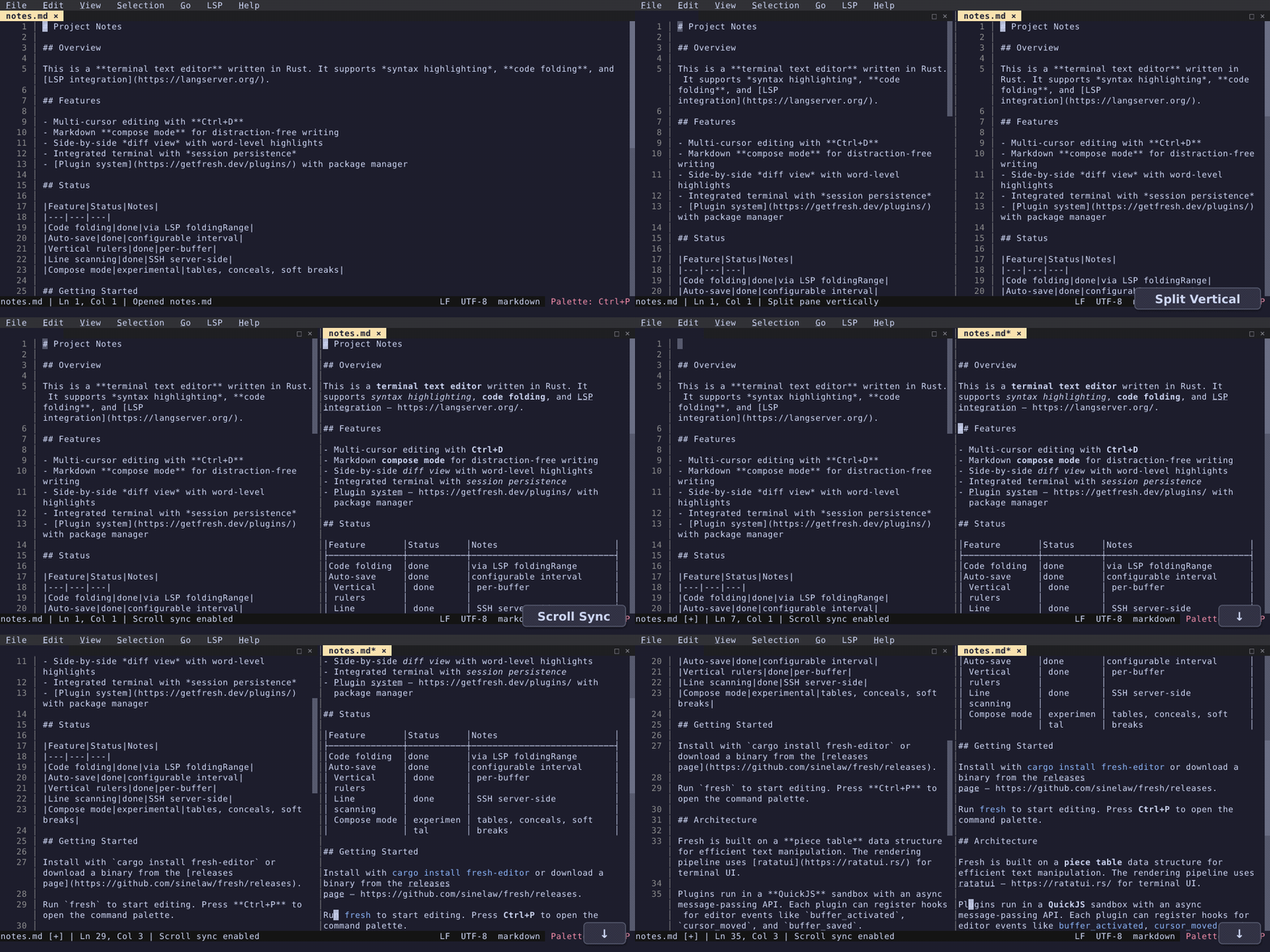
What's New (0.2.9)
Code folding, markdown compose mode, large file line scanning, vertical rulers, auto-save, and more.
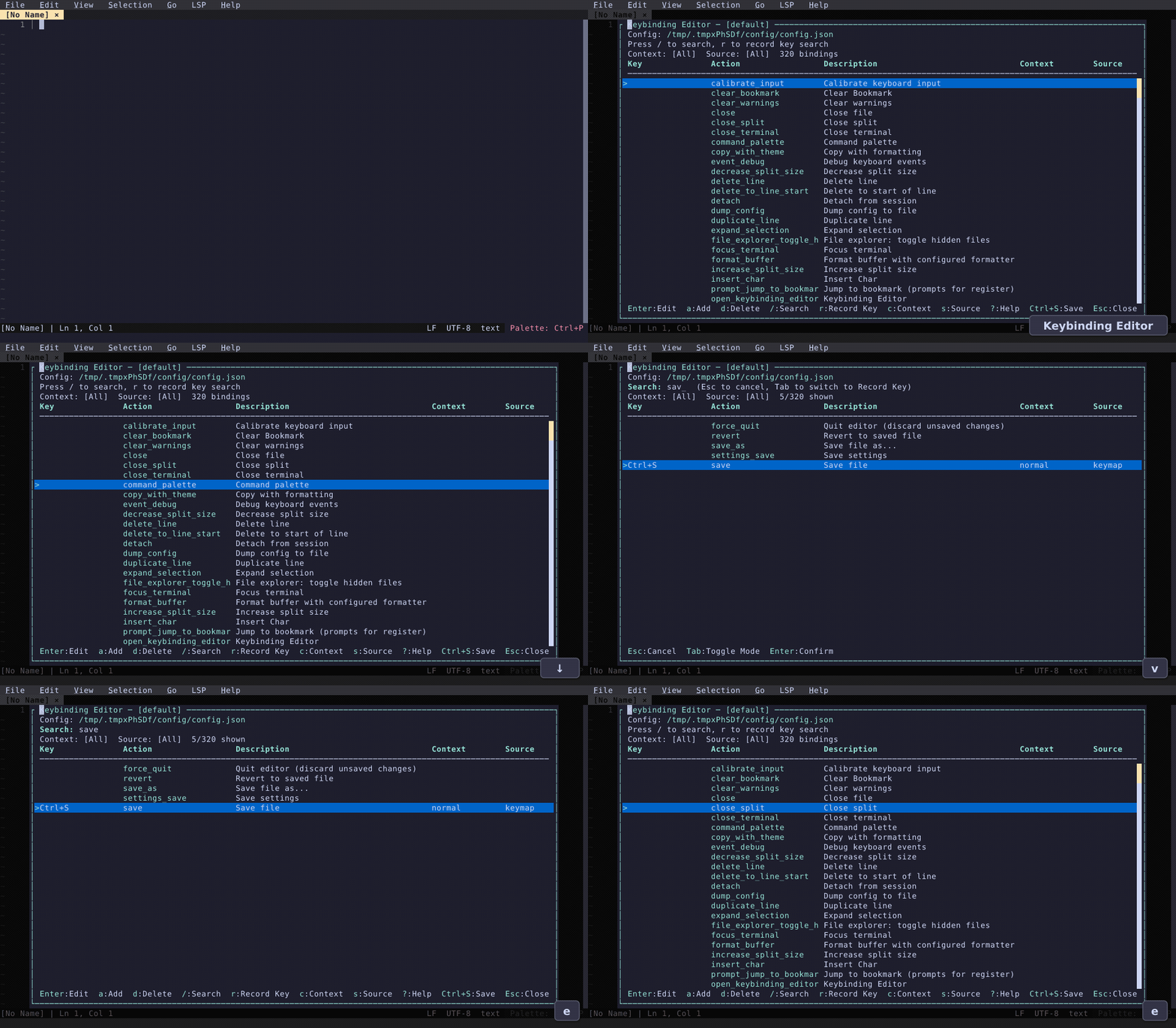
Fresh 0.2
Session persistence, keybinding editor, improved line editing, regex capture groups, and more.
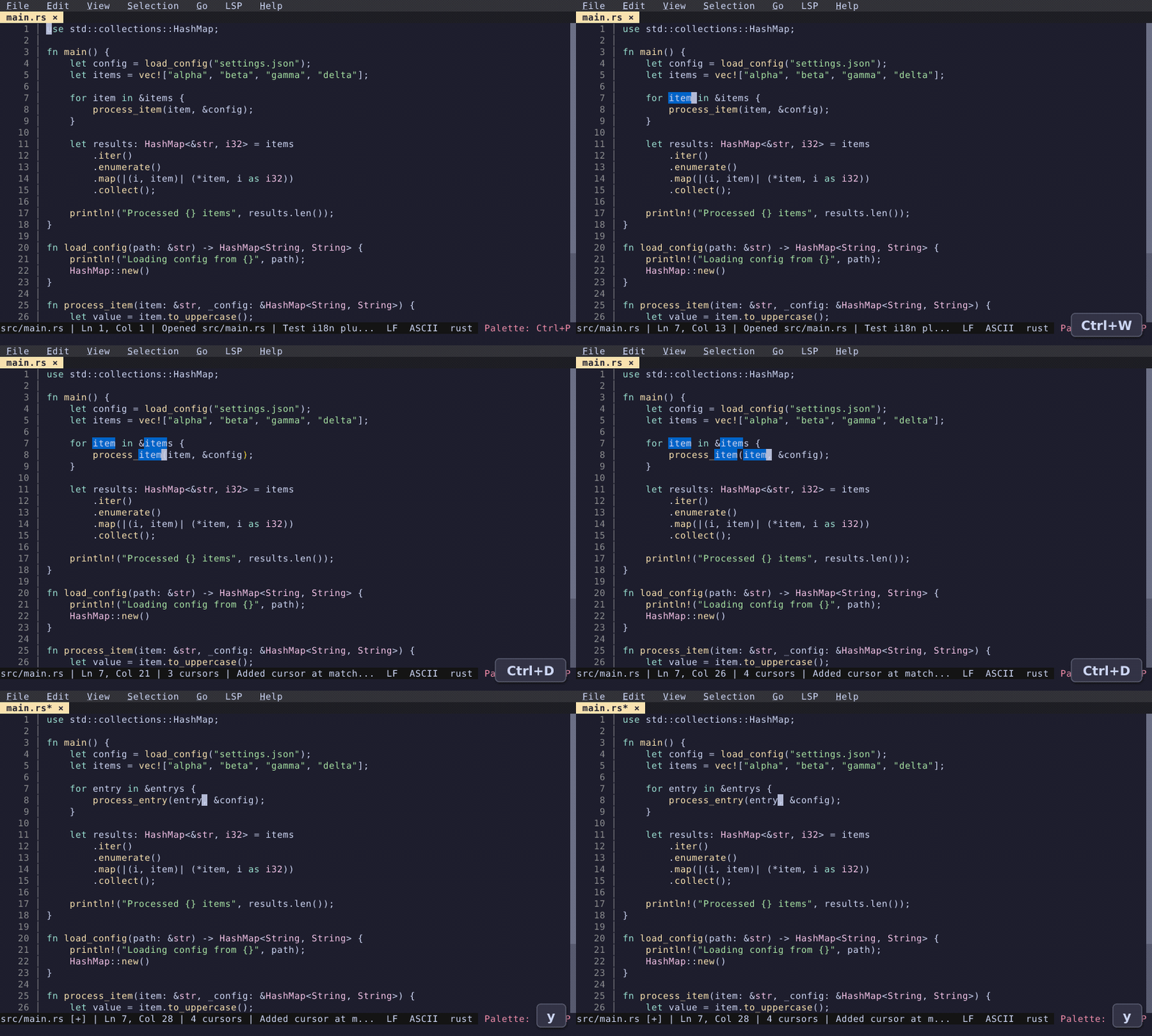
Editing Features
Multi-cursor, search & replace, move lines, block selection, sort, case conversion, and more.
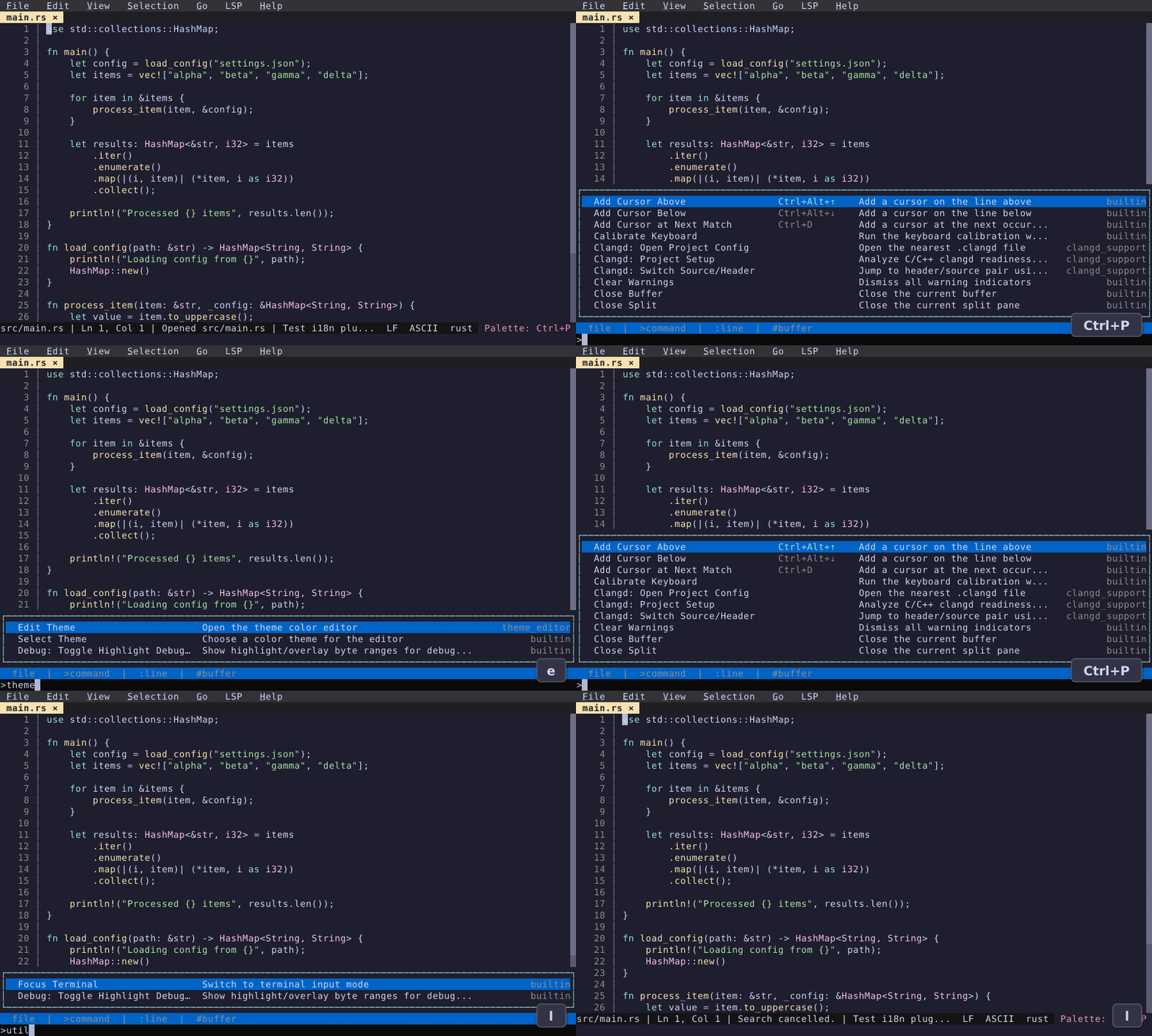
Productivity Features
Command palette, split view, file explorer, integrated terminal, and more.
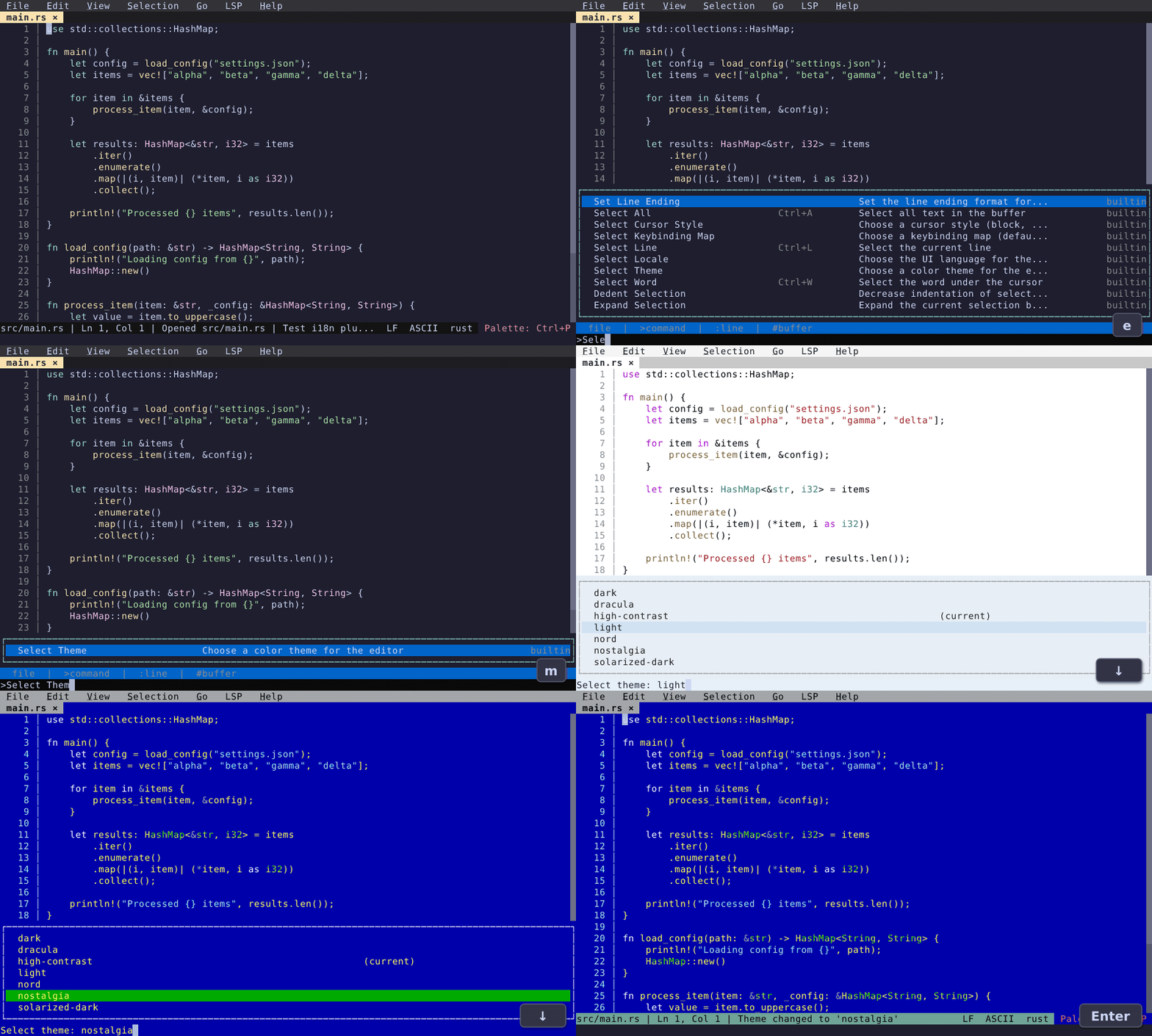
Customization & Themes
Color themes, graphical settings editor, and keybinding editor with conflict detection.