
One Editor, Every Worktree
Agentic coding turned a single-task editor into a multi-task problem. You cut a worktree per task so the agents don't fight over one checkout, and then you're juggling: one terminal multiplexer per worktree, one editor per worktree, and no idea which agent is waiting on you.
The Orchestrator makes that one process. Every worktree is a workspace with its own tabs, splits, terminals and scrollback, and the dock — a persistent, non-modal left column — lists them all with branch, git summary and PR badge. The arrow keys live-switch; nothing is torn down, and the agents in the workspaces you're not looking at keep working.
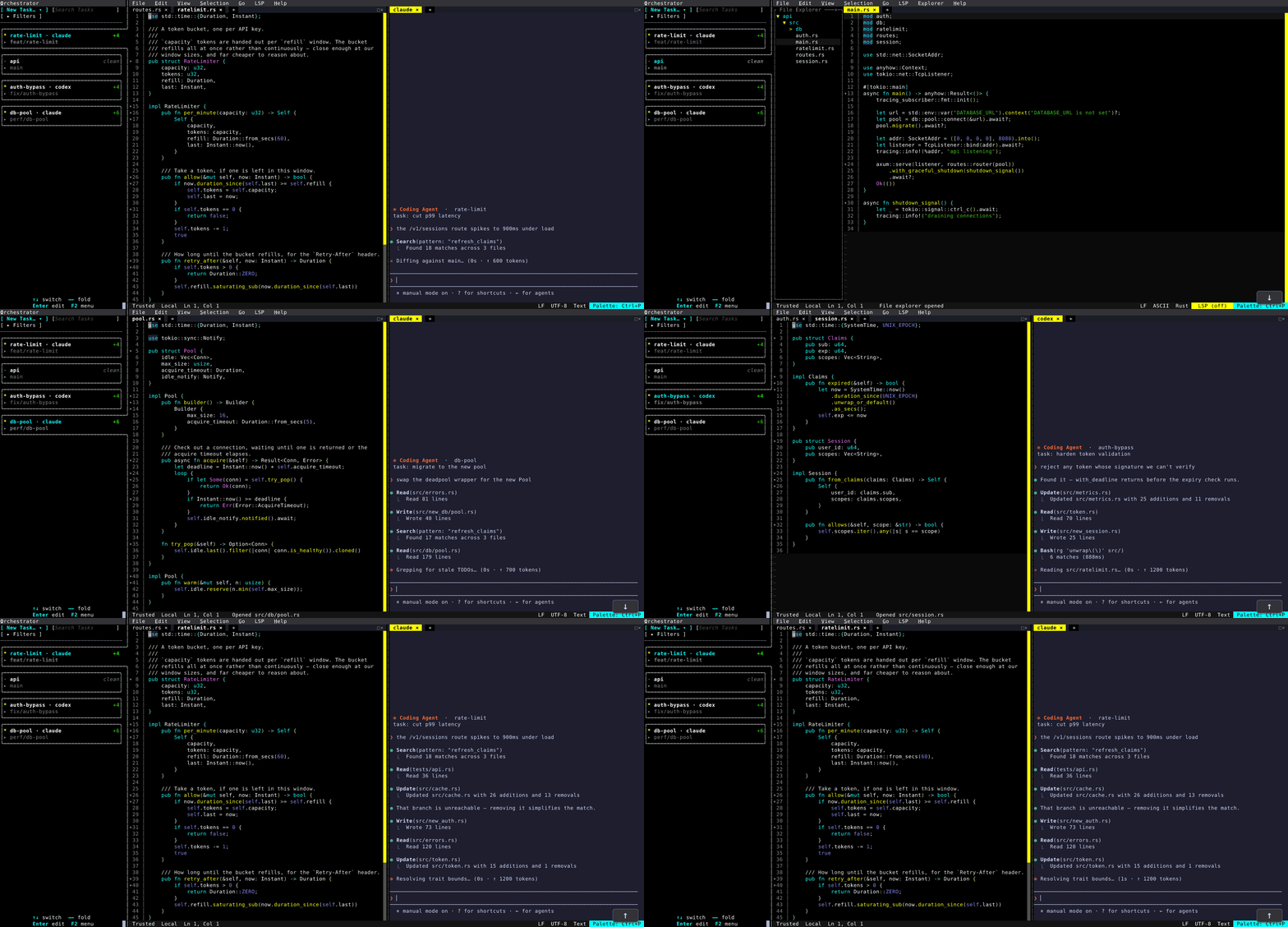
The capture above is one repository checked out three times — fix/auth-bypass, perf/db-pool, feat/rate-limit — plus main to review from. Each task workspace has the files that task touches open as tabs, with its agent running in a split beside the code. Walking down the dock and back up, every workspace returns exactly as it was left, with its agent further along than when you looked away.
Getting there
Run Agent…(Ctrl+P) launchesclaude,codex,opencode,aideror any command you like, in the current workspace or a brand-new one.New Workspacecan cut the worktree for you: tick Create a new git worktree, name a new branch, and pick Create & Visit or Create in Background — the editor never blocks while it comes up.Orchestrator: Toggle Dockopens the dock; the Settings UI can open it automatically at startup, in card or compact layout.- Agents that support resuming rejoin their conversation when you restart the editor, instead of starting over.