Asking the user for input
There are seven ways a plugin can ask the user for input. Each example adds an Ask: … command to the command palette. Paste one into ~/.config/fresh/init.ts to try it.
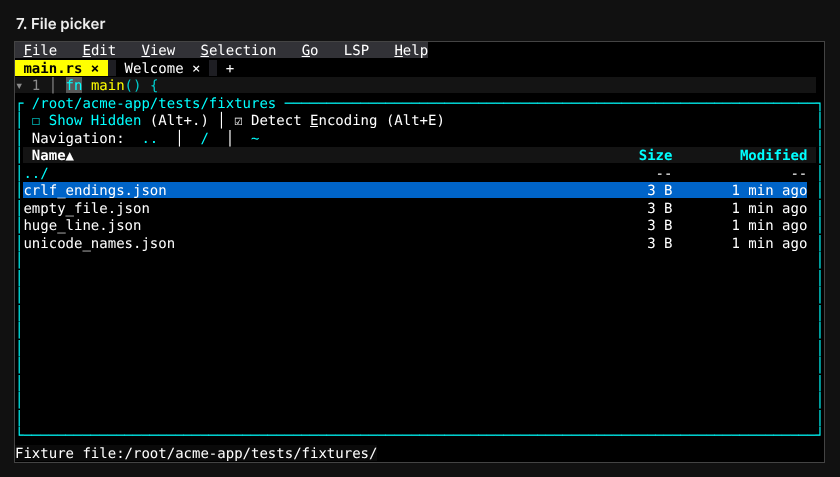
1. Prompt line
Asks for text on the bottom line. This takes the least code.
const value = await editor.prompt("Issue number:", "");Example code · API: prompt
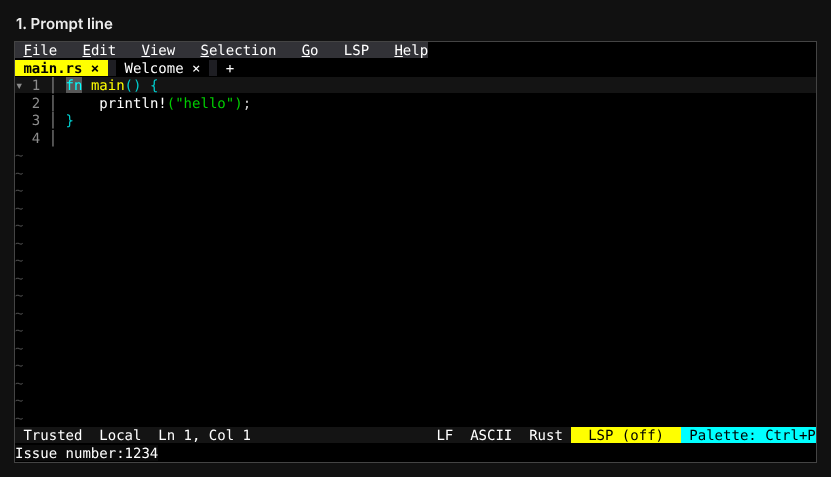
2. Floating prompt
Asks for text in a box in the middle of the screen, with a list under it. The list can update as the user types.
Example code · API: startPrompt, setPromptSuggestions, setPromptFooter, prompt events
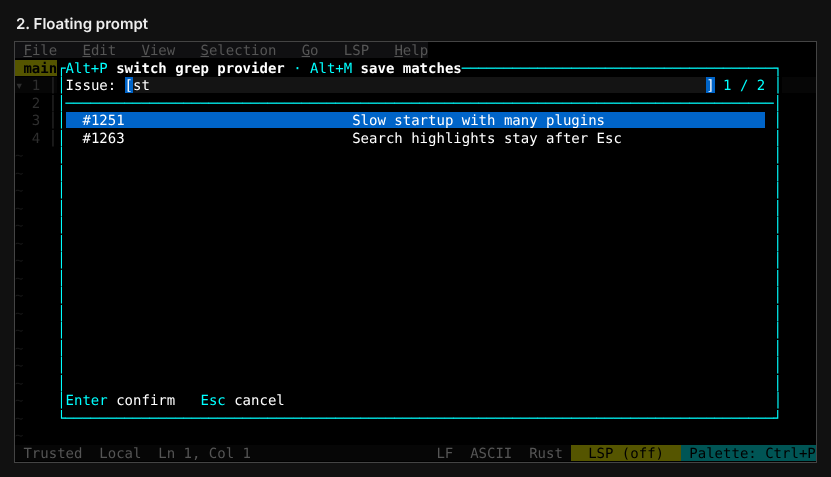
3. Pick list
Shows a list of choices on the bottom line. The user picks one.
Example code · API: startPrompt, setPromptSuggestions, prompt events
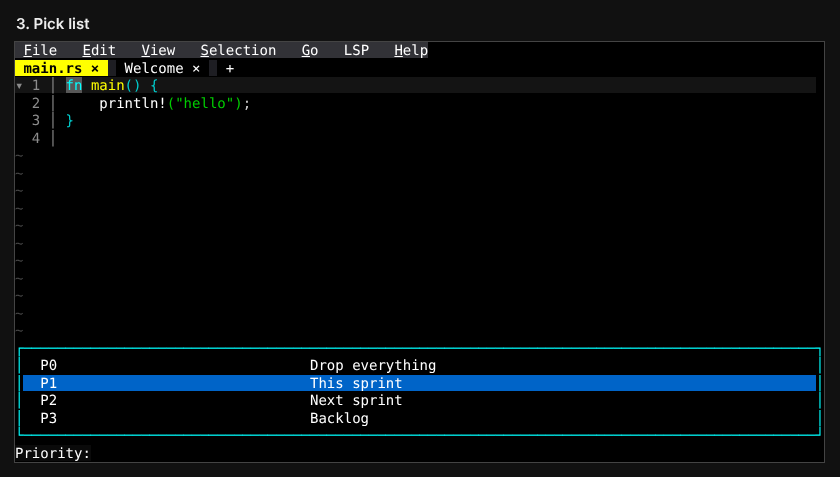
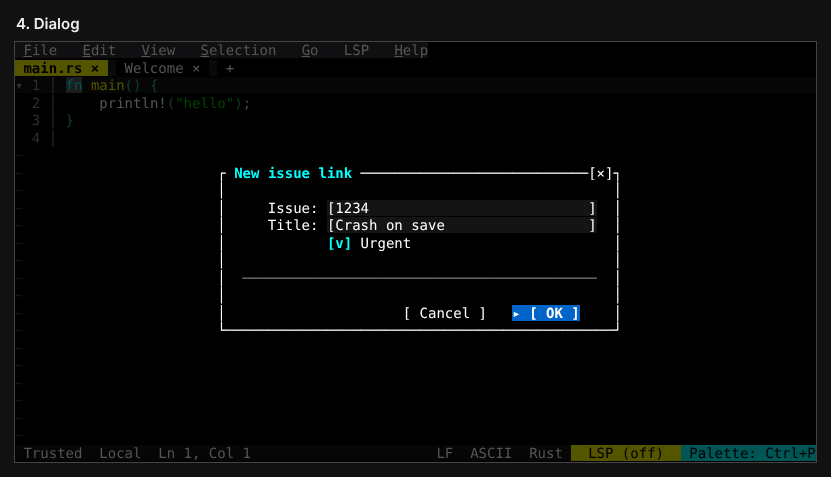
4. Dialog
Shows a dialog box with fields, checkboxes and buttons. Use it to ask for several things at once.
Example code · API: mountFloatingWidget, updateFloatingWidget, unmountFloatingWidget, widget_event
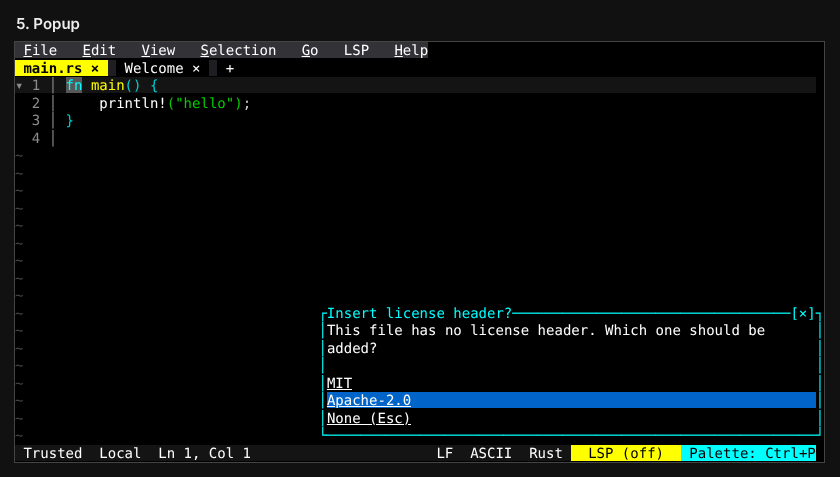
5. Popup
Shows a short message with a few choices.
Example code · API: showActionPopup, action_popup_result
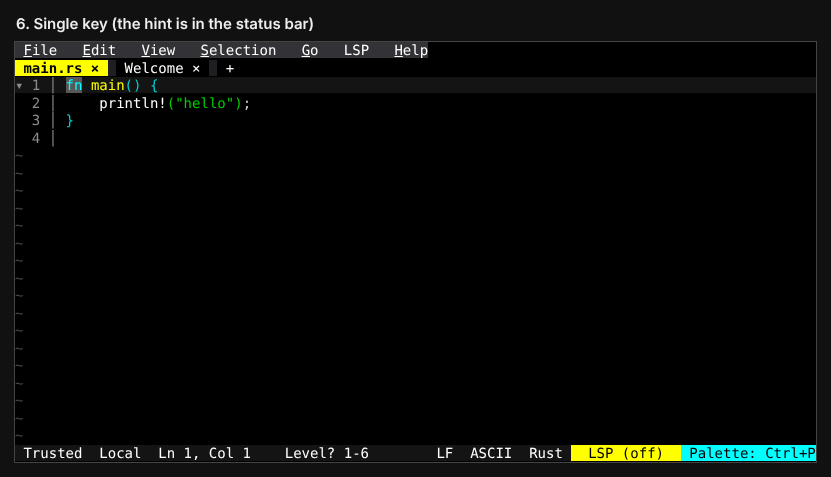
6. Single key
Waits for the user to press one key. The user doesn't press Enter.
Example code · API: getNextKey
7. File picker
Lets the user choose a file. Returns the file's path.
Example code · API: pickFile