
Productivity Features
February 11, 2026
Beyond text editing — the tools that make Fresh a complete development environment in your terminal.
Command Palette
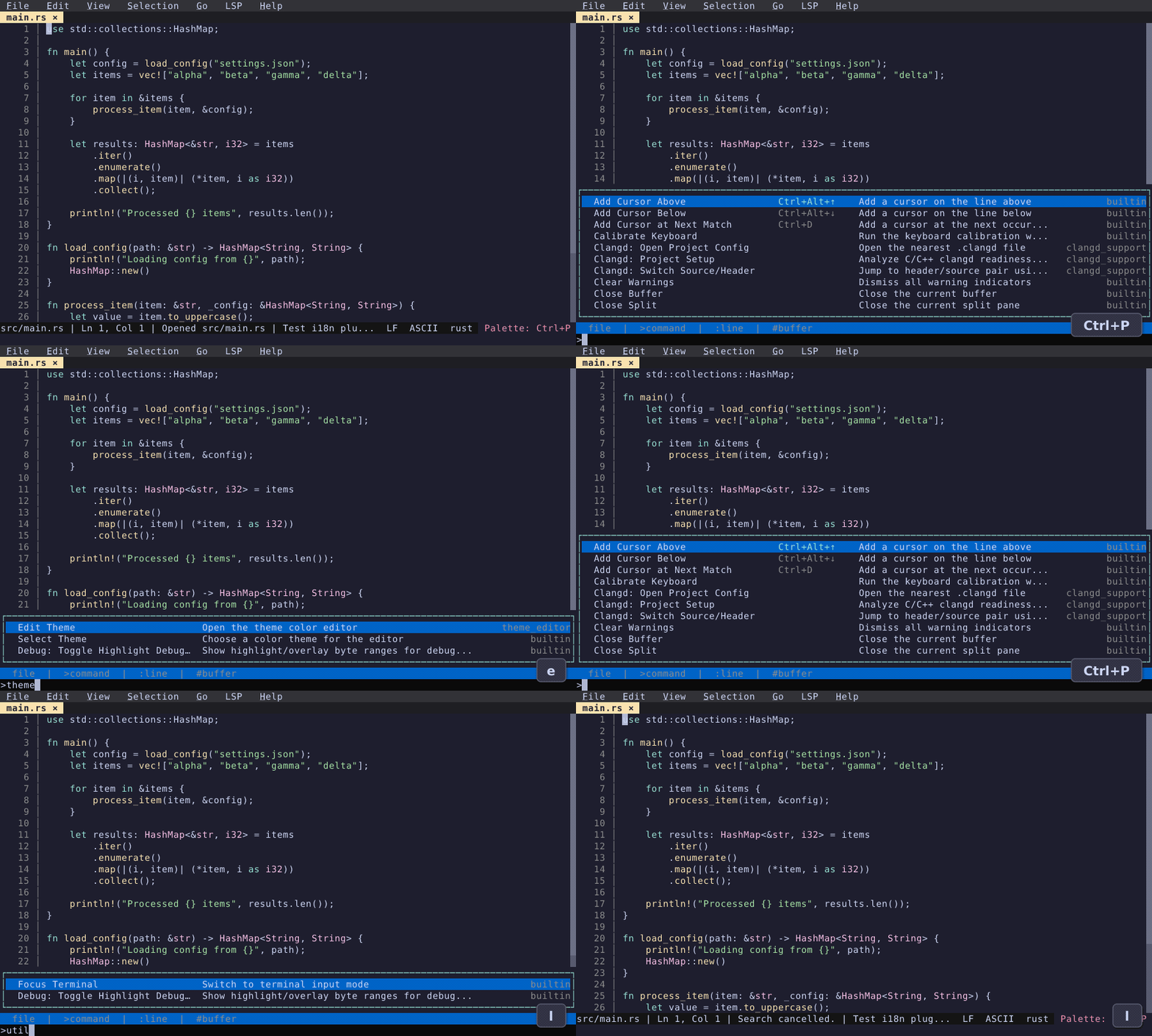
Ctrl+P opens the unified command palette. Type to fuzzy-find files, prefix with > for commands, # for open buffers, : for go-to-line. Tab completion and hints guide you through.
Code Tours
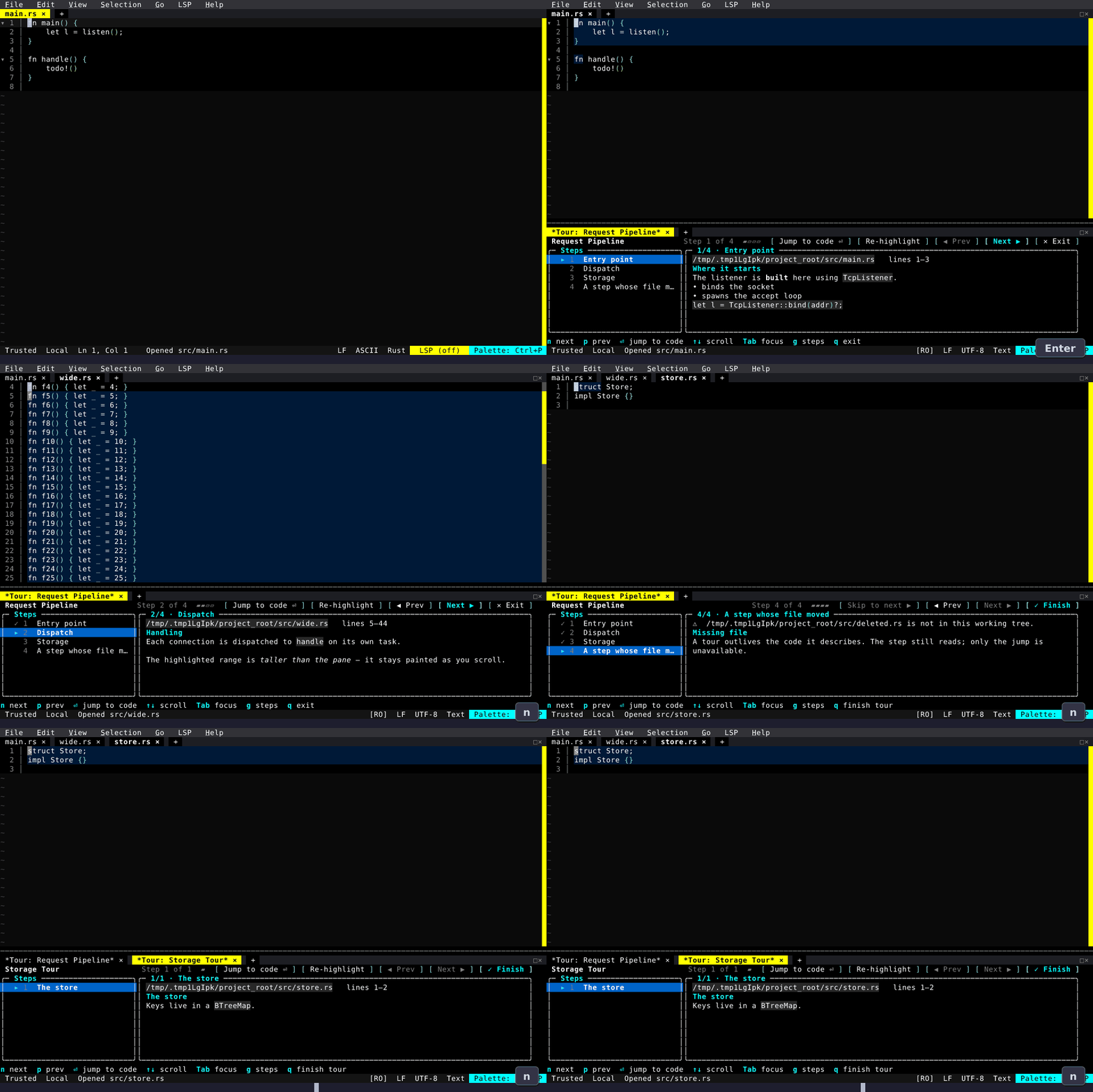
Walk a codebase step by step. A tour manifest names a file, a line range and some markdown per step; the tour opens in the Utility Dock beside the code, with each step's range highlighted in the editor above it.
Split View
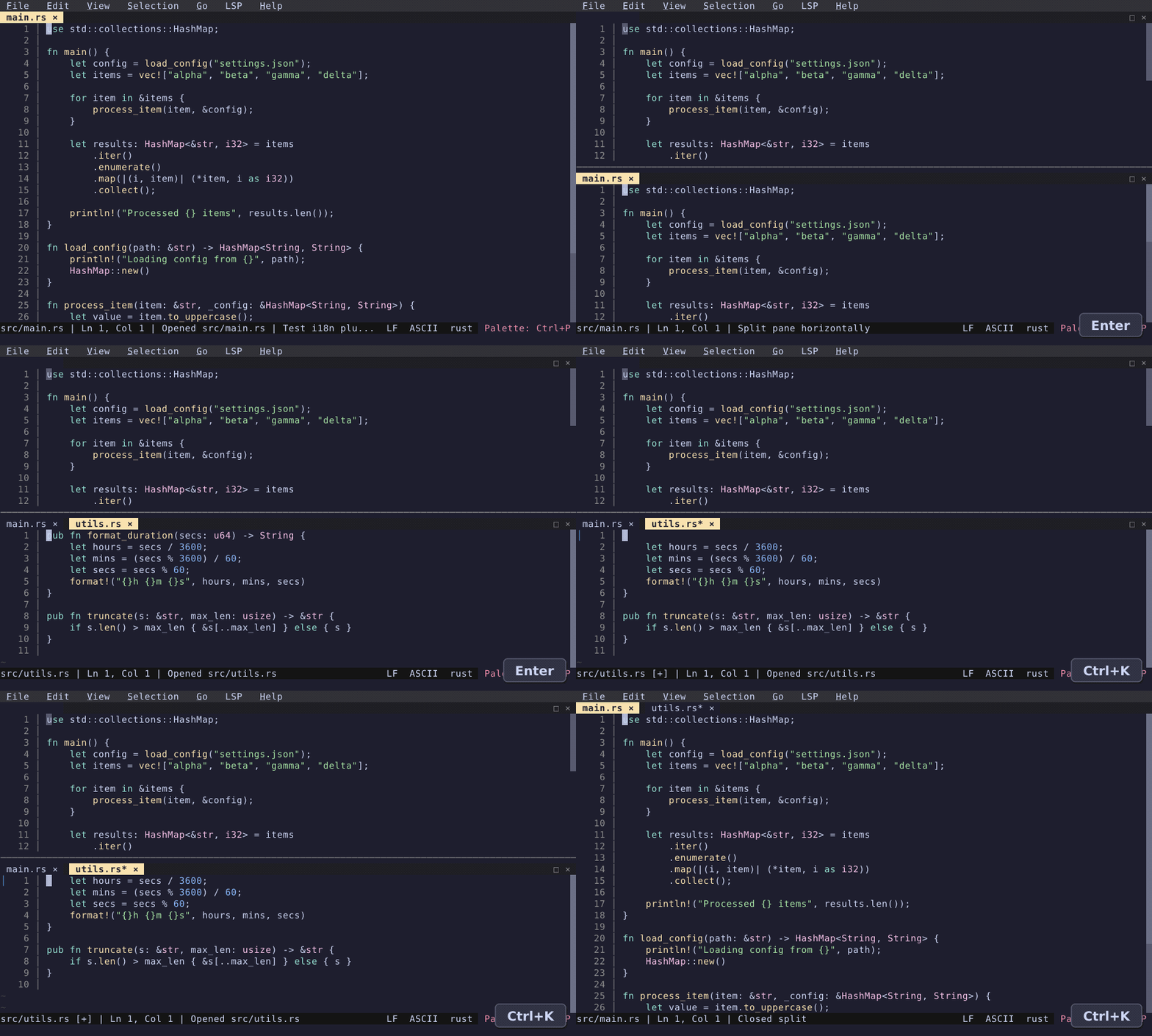
Split the editor horizontally or vertically. Each pane has its own tab bar, cursor, and scroll position. Navigate between panes with Ctrl+K.
File Explorer
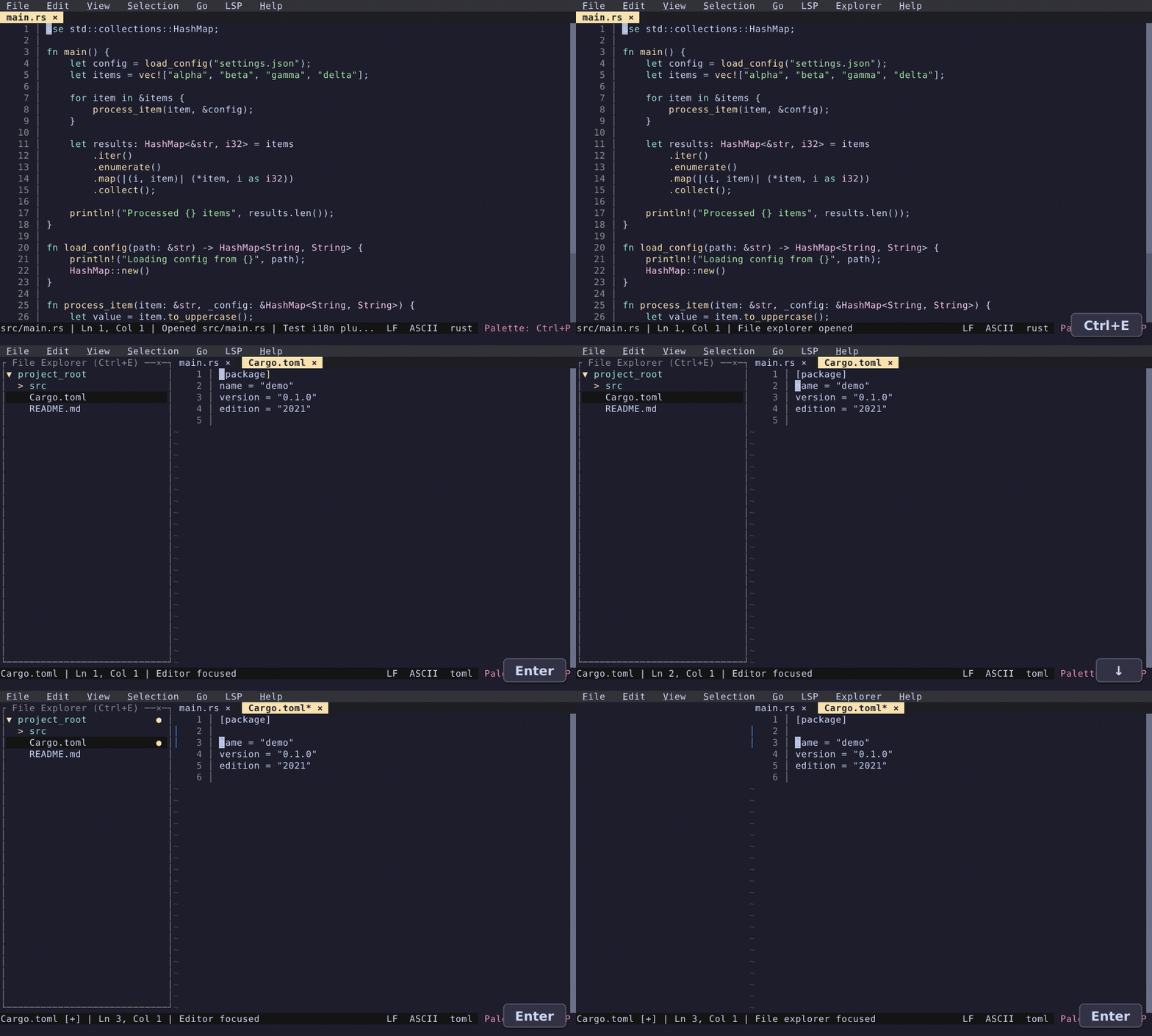
Ctrl+E toggles a sidebar file tree. Navigate with arrow keys, expand directories with Enter, and type to fuzzy-filter. Git status indicators show modified and untracked files.
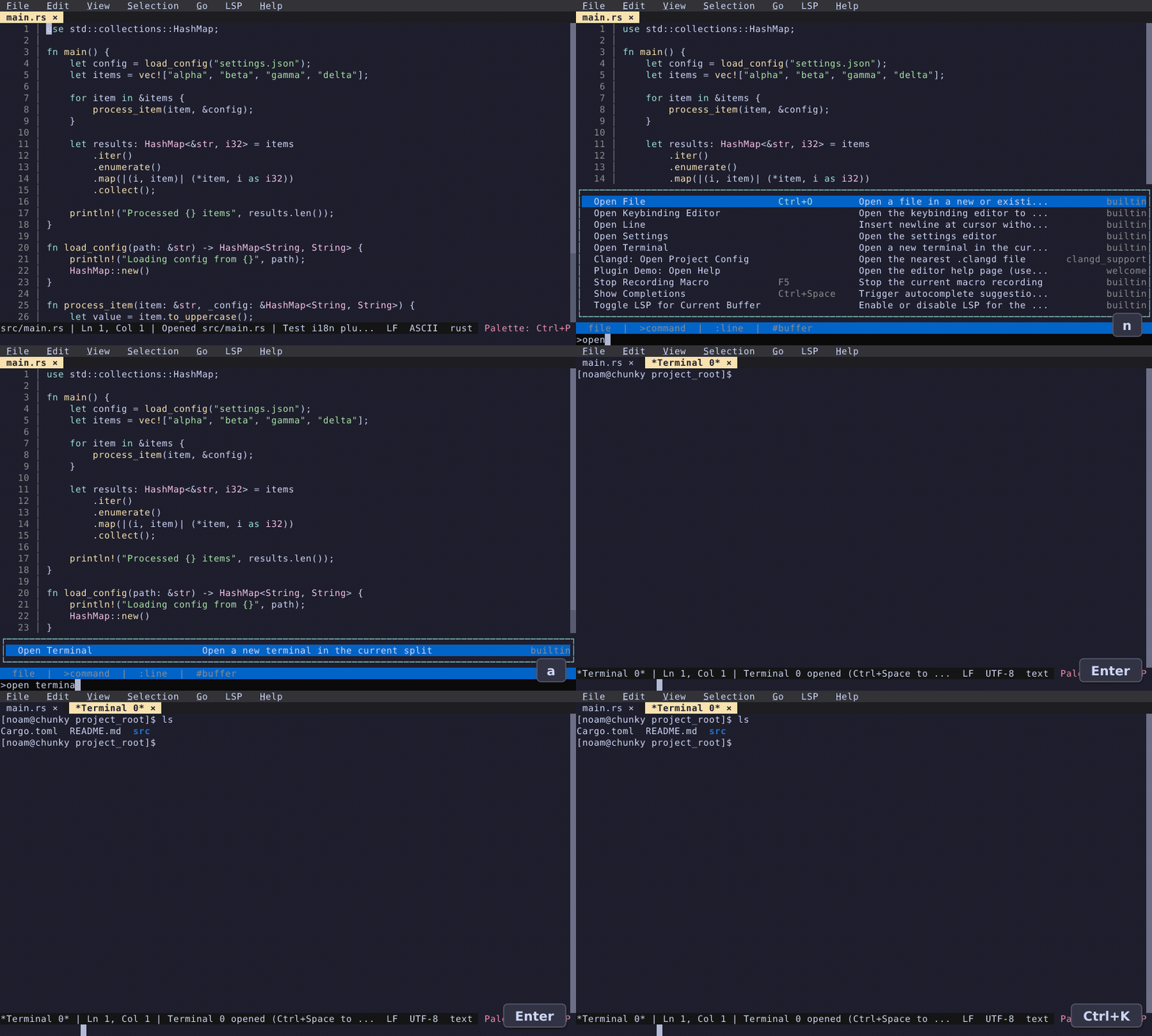
Integrated Terminal
Open a terminal split inside the editor. Supports scrollback history, keyboard capture mode (F9), mouse forwarding, and session persistence across restarts.
Also New
- Session Persistence — detach/reattach sessions with
fresh -a, state preserved across terminal disconnections - Package Manager — browse and install plugins, themes, and language packs from the registry
- SSH Remote Editing —
fresh user@host:pathwith password/key auth and sudo save - Text Encoding — UTF-16, Latin-1, GBK, Shift-JIS, EUC-KR, and more
- Diagnostics Panel — LSP errors/warnings in a dedicated split view
- Side-by-Side Diff — word-level diff with synchronized scrolling
- Bracket Matching — matching brackets highlighted automatically
- Vi Mode — modal editing with operators, motions, text objects
- i18n — 11 languages with plugin translation support